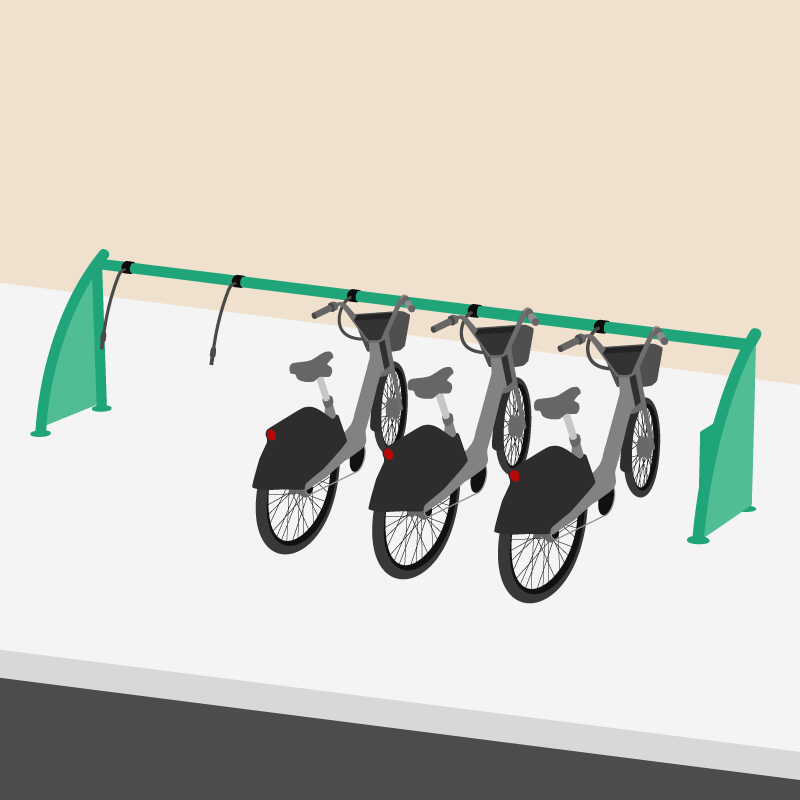
1. Return to the station where the bike was rented
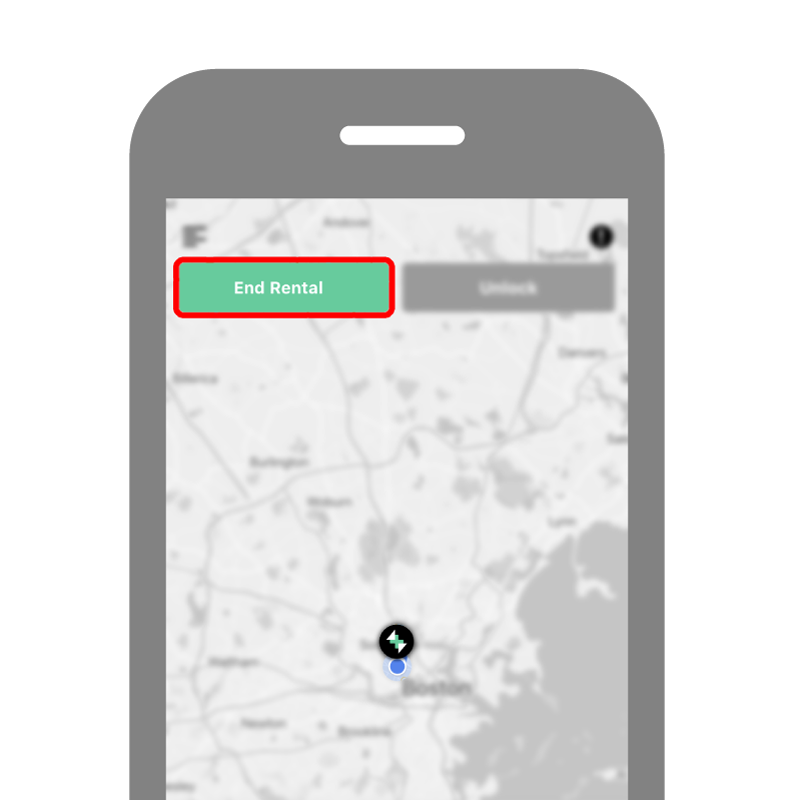
2. Open the app and tap “End Rental” in the upper left corner.
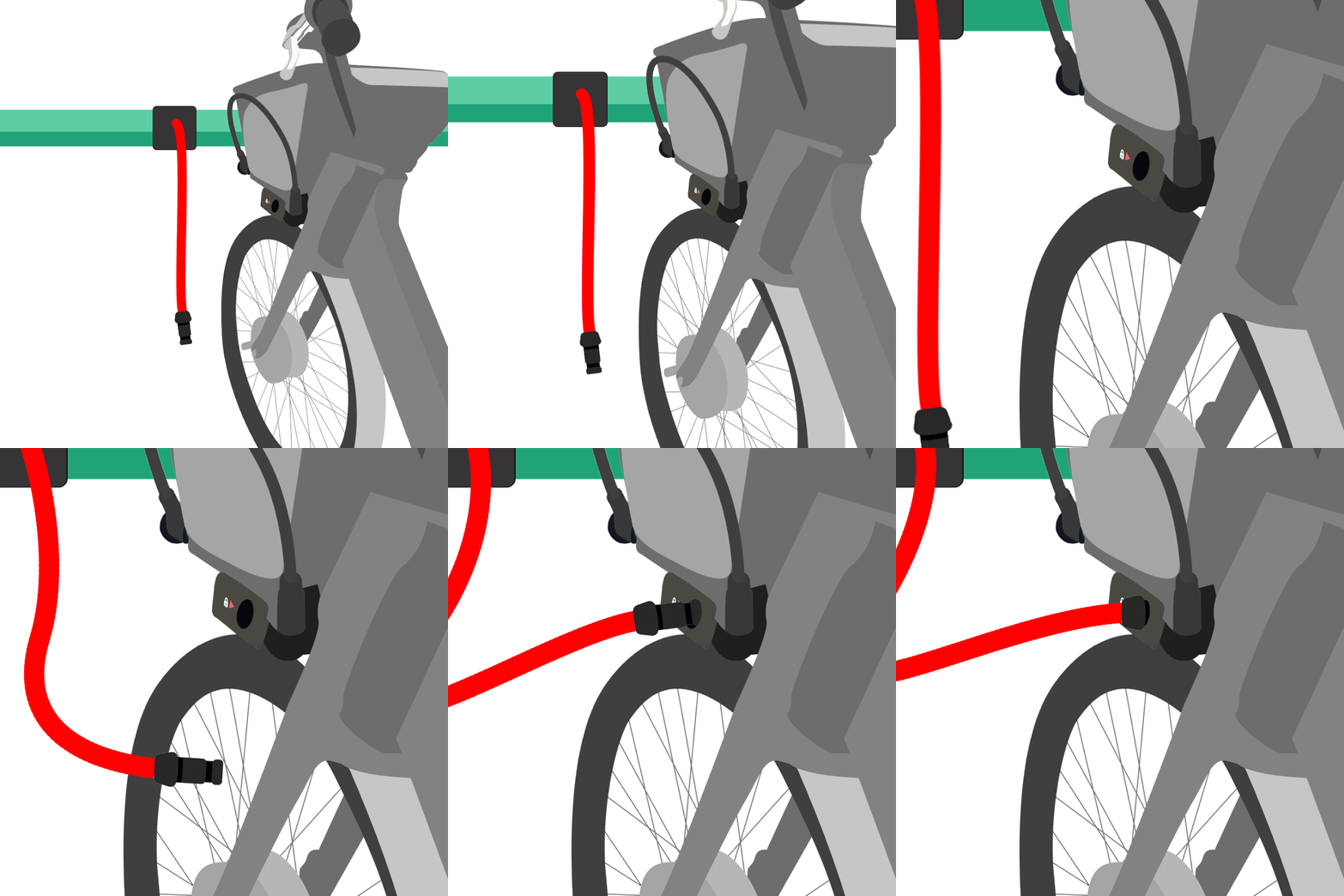
3. Insert a ChargeLock® cable from the station into the charging port on the bike. Push it in until it locks into place.
Tap “Done” in the app and confirm that the rental has ended. When a rental is successfully ended, you will be asked to enter a star rating for your ride!